
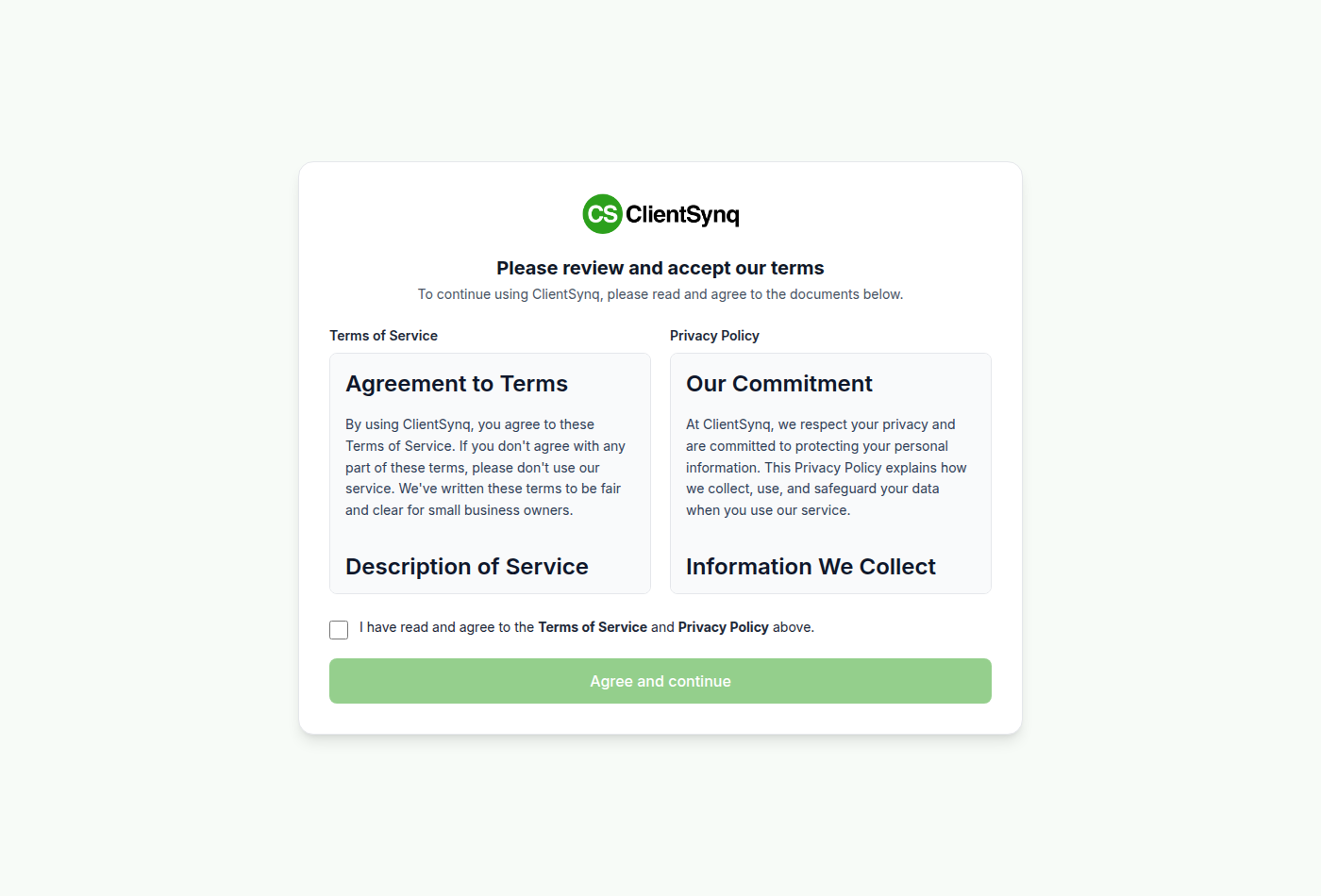
ClientSynq asks everyone who signs in to the customer portal to accept the current Terms of Service and Privacy Policy. It asks again when they change. Until you accept, you cannot open other pages.
Before you start
Each person accepts for themselves. The owner cannot accept on behalf of the team.
Steps
- Sign in. If you need to accept, the Please review and accept our terms page opens.
- Read the Terms of Service and Privacy Policy shown on the page.
- Check I have read and agree to the Terms of Service and Privacy Policy above.
- Select Agree and continue. You return to the page you were going to.
When ClientSynq asks
- The first time you sign in.
- After the Terms change. If you accepted an earlier version in the last 30 days, you are not asked again until 30 days after that acceptance. ClientSynq can also set a later date for your organization.
- Before a plan change. To choose or change a plan in Billing & Plans, you must have accepted the current version, even inside the 30 days. The page reads Accept the current terms to change your plan. After you accept, you return to Billing & Plans and see Thanks, your acceptance of the current Terms is recorded. Choose your plan again to continue. Select your plan again.
- After your organization's plan changes while the owner has not accepted the current version. Everyone in the organization is asked at their next sign-in.
Good to know
- If you see Please check the box to continue., check the box and select Agree and continue again.
- If you see Could not record your acceptance. Please try again., try again. If it keeps happening, contact support.
- Your clients do not see this page. The client portal has its own terms; see Set your client portal links.